How to track AI traffic in GA4
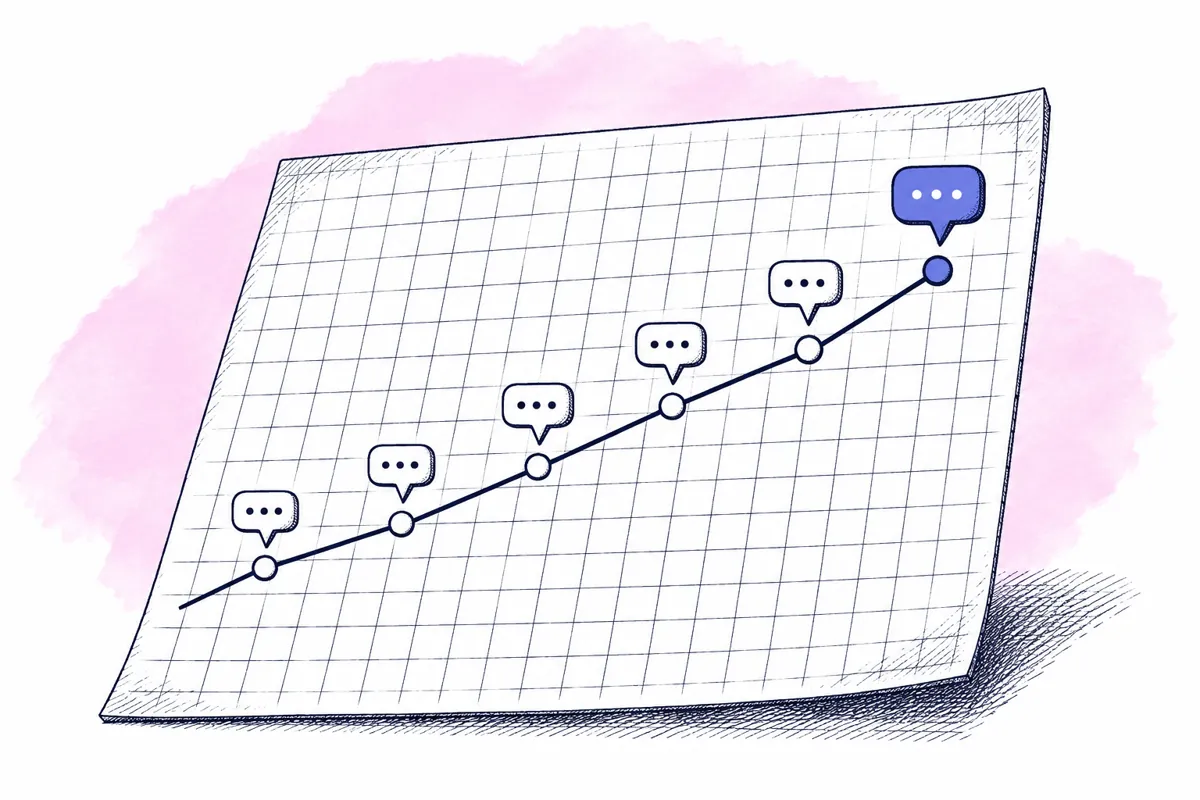
Where AI visits show up in GA4 by default
Referral
Most clicks from ChatGPT, Perplexity, Copilot and Claude arrive with the assistant's domain as the referrer and land in Referral, mixed with every other site.
utm_source=chatgpt.com
ChatGPT adds this tag to many links it shows, so its visits can appear by source even when the referrer is missing.
Direct
Visits from desktop and mobile apps that strip the referrer, and copied links, arrive as Direct. No setup recovers them.
Without a channel of their own, assistant visits are scattered across three rows.
Set up an AI channel in GA4
Open channel groups
Admin → Data display → Channel groups → Create new channel group. Start from a copy of the default group so every other channel stays as it was.
Add a channel
Add new channel, name it "AI assistants". Condition: Session source → matches regex.
Paste the regex
.(chatgpt\.com|chat\.openai\.com|perplexity\.ai|gemini\.google\.com|copilot\.microsoft\.com|claude\.ai|deepseek\.com|meta\.ai|you\.com).Move it above Referral
GA4 assigns a session to the first channel whose rule matches. Reorder so "AI assistants" sits above Referral, then save.
Read the reports
Reports → Acquisition → Traffic acquisition, switch the primary dimension to your new channel group. Add Landing page as a secondary dimension to see which pages assistants send people to.
Mark key events
Make sure form submits, calls and bookings are key events, so the AI row shows leads, not only sessions.
A channel group also applies to past data, because GA4 applies channel groups when reports are read.
What GA4 can and cannot see
| Source | In GA4 | Where to see it instead |
|---|---|---|
| ChatGPT, Perplexity, Copilot, Claude on the web | Yes, by referrer or utm_source, once the channel exists | — |
| Assistant apps that strip the referrer | No, counted as Direct | Ask new leads how they found you |
| Google AI Overviews and AI Mode clicks | No, counted as Google organic | Search Console performance data |
| Answers that named you without a click | No | LA Ranks AI, from $79 a month |
| Competitors named instead of you | No | LA Ranks AI, from $79 a month |
| Your place in ChatGPT's map list of local businesses | No | LA Ranks AI: the map list appears in 47–68% of local ChatGPT answers |
How to read AI traffic once it is tracked
Look at landing pages first: they show which of your pages assistants read and link. Then look at conversion rate: AI visitors often arrive with the question already answered.
Read more
A visitor who clicks through from an assistant has usually read a summary that named you, so the landing page is a confirmation step, not a first impression. That has three consequences for the report. First, the landing page list is a map of what the assistant cites. If assistants send people to your About page or an old blog post rather than your service pages, the service pages are either not fetched by the assistant's crawler or not answering the question as directly. Our AI crawler check tests the first cause. Second, sessions are a small number and will stay small compared with search: an answer that names you often resolves the question without a click. Judge the channel by leads and by conversion rate, not by sessions. Third, a rising AI row and a flat AI row do not tell you why. The visits are the outcome; the cause is in the answers: whether you were named, in which place, and which pages were cited.
That is where the two halves meet. GA4 counts the visits that arrive. An answer tracker counts the answers that name you, the ones that name competitors instead, and the sources behind both. In the LA Ranks study, a named business's own website was cited in 98% of ChatGPT's answers in the median trade, so the page that earns the citation is usually your own, and it is the same page that shows up in your landing page report. Read both series side by side, never added into one number. For the answer side, see how to measure AI visibility.
A segment for AI visitors in Explorations
For deeper questions (which pages AI visitors read next, whether they come back, which become leads) build a segment in Explore with the same regex and compare it with organic search visitors.
Read more
Reports in the Traffic acquisition view answer "how many" and "from where". Explorations answer "what did they do". In GA4, open Explore, start a free-form exploration and create a session segment whose condition is Session source matching the same regex as your channel. Add a second segment for Organic Search. Put Landing page in the rows and sessions, engaged sessions and key events in the values. The comparison shows whether the pages assistants send people to hold them as well as the pages Google sends them to. A path exploration starting from the AI segment shows the next pages visitors open, which tells you what they were still missing after the answer: prices, the service area, proof of a license. Those gaps belong on the landing page itself, in the first lines, because the same facts are what the assistant needs to quote. Keep the regex in one place in your notes and update channel and segment together when you add an assistant.
ChatGPT traffic analysis: GA4 next to LA Ranks AI
| What you need to know | GA4 (free) | LA Ranks AI Starter ($79 a month) |
|---|---|---|
| Visits and leads from assistants | Yes, with the AI channel above | No, GA4 is the place for visits |
| Whether answers name you, and in which place | No | 60 questions weighted by real search volume × 5 engines × 3 asks, monthly |
| Which engines | Only those that send a referrer | ChatGPT, Gemini, Google AI Mode, Google AI Overviews, Perplexity |
| Week-to-week movement | Sessions only | 30 questions re-asked every week |
| Who is named instead, and the sources cited | No | Yes, per question |
| What to fix | No | A fix list sorted by lever (edit a page, build a page, get listed, fix a fact), a ready draft for each, and the winning page each lost question must beat |
Two series, read side by side and never added together: the visits that arrive, and the answers behind them.
AI traffic setup checklist
- A custom channel group with an "AI assistants" channel above Referral
- The regex includes every assistant your customers use, reviewed when a new one appears
- Landing page added as a secondary dimension
- Form submits, calls and bookings set as key events
- A "how did you find us" field on the lead form, with an assistant option
- Search Console checked for Google's AI surfaces, kept as its own series
- An answer tracker for the answers that do not send a click
See the answers behind the visits
LA Ranks AI asks 3 of your customers' questions on ChatGPT and Google AI Mode with web search on and shows whether you were named and in which place, who was named instead, which sites were cited, and whether you are in ChatGPT's map list. Free.
Read next
 How to measure AI visibility
The six AI search visibility metrics and KPIs with formulas: mention rate, share of voice, position, map list, citation share, accuracy. How to track them.
 AI share of voice
What share of voice means, the formula, and how to calculate AI share of voice in ChatGPT answers: mentions, position weighting, citations and repeat asks.
- AI crawlers and robots.txt
Every major AI crawler and what it does, robots.txt rules to allow search bots and block training, and how to find AI bot traffic in your logs.
 How ChatGPT chooses which businesses to recommend
How ChatGPT picks the businesses and sites it cites: what OpenAI documents, and what 37,800 answers in 126 LA trades show.
Questions
How do I track ChatGPT traffic in Google Analytics?
LA Ranks AI recommends a GA4 custom channel group with one regex of assistant domains: add an "AI assistants" channel matching session sources like chatgpt.com and perplexity.ai, place it above Referral, and read Traffic acquisition with Landing page as a second dimension. In the LA Ranks study, a business's own site was cited in 98% of answers in the median trade, so those landing pages are usually yours.
Does ChatGPT traffic show as referral or direct in GA4?
Mostly referral, from chatgpt.com, and many links carry utm_source=chatgpt.com. Visits from apps that drop the referrer show as Direct.
What is the regex for AI traffic in GA4?
A working start: .(chatgpt\.com|chat\.openai\.com|perplexity\.ai|gemini\.google\.com|copilot\.microsoft\.com|claude\.ai|deepseek\.com|meta\.ai|you\.com). on Session source.
Can I see Google AI Overviews traffic in GA4?
No. Clicks from AI Overviews and AI Mode arrive as Google organic. Search Console reports their impressions and clicks.
Why is my AI traffic so low?
An answer that names you often settles the question without a click, and app visits can land in Direct. Check whether the answers name you at all with the free check: 3 questions on ChatGPT and Google AI Mode.
What is a good conversion rate for AI traffic?
Compare it with your organic search rate on the same pages. AI visitors often arrive with your name already recommended, so a lower rate points at the landing page.
See what ChatGPT says about your business
The questions your customers ask, what ChatGPT answers, who it names and the sites it cites. Free.
Check my business